How to Generate a PDF from Text (Quick and Easy Methods)
Need to turn text into a PDF? Here are five quick methods anyone can use, including AskYourPDF for AI-powered results.
Read storyTopic
Need to turn text into a PDF? Here are five quick methods anyone can use, including AskYourPDF for AI-powered results.
Read story
Not all PDF readers are equal. Here are the 7 best PDF reader software options in 2026, from simple viewers to AI tools.
Read story
You can use AI prompts to generate professional PDFs from scratch or to chat with, summarize, and extract data from PDFs you already have. This guide covers both workflows with ready-to-use prompt templates.
Read story
Master the skill of prompting AI. Discover why wording matters, common mistakes to avoid, and how to get results that actually match your needs.
Read story
Asking AI is easy—but getting accurate answers isn’t. Learn why AI misunderstands questions and how to ask better prompts using tools like AskYourPDF.
Read story
ChatPDF is helpful, but not the only choice. Explore the top ChatPDF alternatives, compare features and pricing, and find the best PDF AI for your workflow.
Read story
Reading long PDFs is slow. Learn how a PDF AI extension like AskYourPDF helps you search, understand, and extract answers faster from documents.
Read story
ChatGPT can help create PDFs, but the process varies. Learn the best methods to generate, save, and manage PDFs with ChatGPT and AskYourPDF.
Read story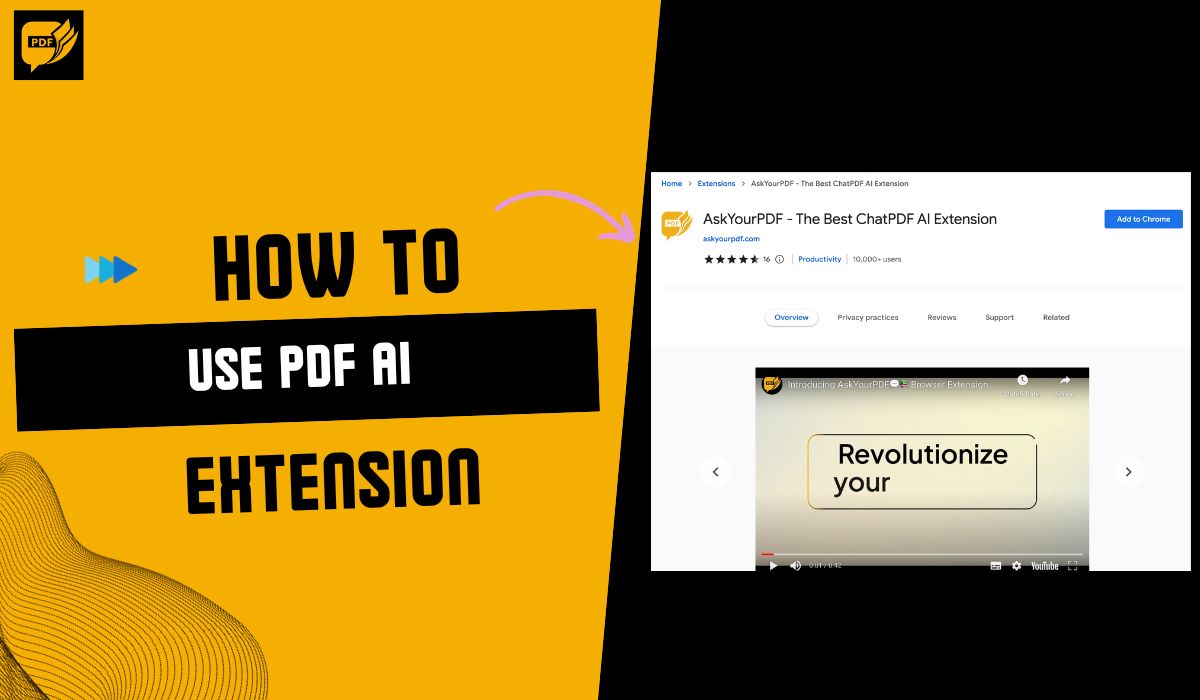
To use a PDF AI extension like the AskYourPDF Chrome extension, you first need to allow the extension to access your file URLs. Then, click the "Sign in" button and open a PDF document. The AskYourPDF icon will appear in the bottom-right corner of your screen. Click the icon to open the chat window…
Read story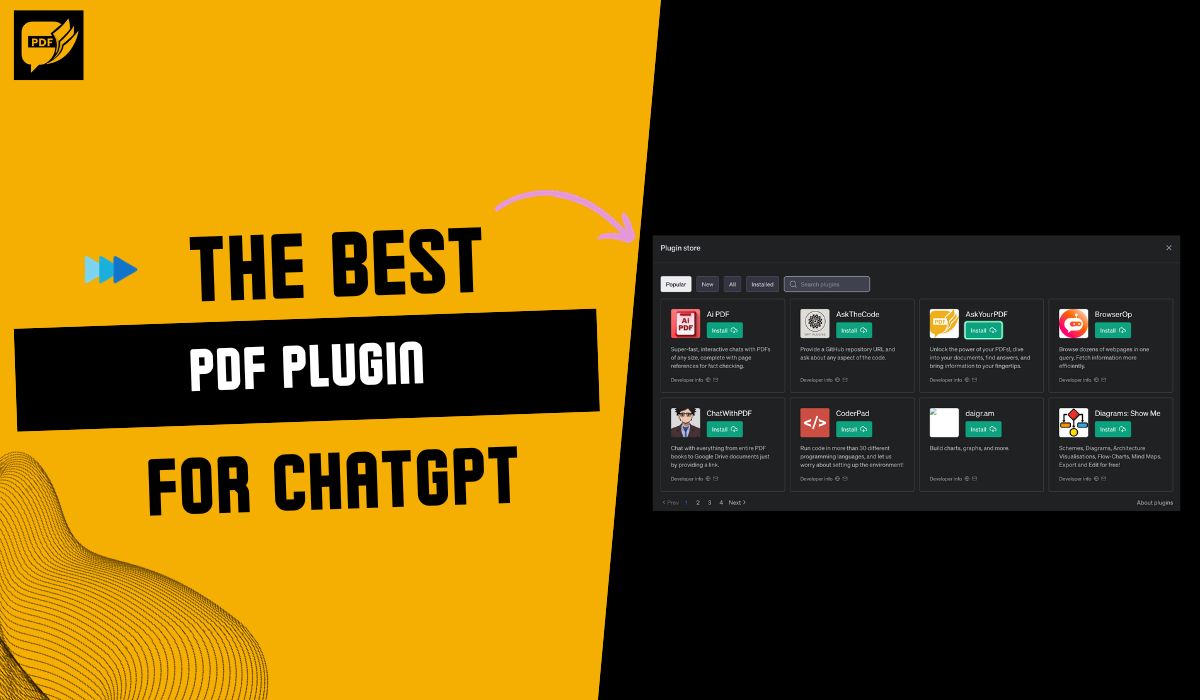
The best PDF plugin for ChatGPT is AskYourPDF. It is the leading PDF plugin for ChatGPT that helps you chat with your PDF and gain insights to help with your research and assignments, from
Read story
Explore 2025’s top 5 Chrome PDF tools for fast editing, signing, and smart document workflows.
Read story
Struggling to sift through long PDFs? Learn how to upload a PDF to ChatGPT for quick document analysis. This guide covers simple steps, best practices, and alternative methods to extract key insights from your PDFs efficiently. Save time and get answers fast!
Read story
Working with PDF documents was a headache until I discovered PDF AI editors. After missing critical information in a client proposal because my traditional PDF editor couldn't handle complex edits, I knew I needed a better solution.
Read story
We've all been there, staring at a lengthy PDF, trying to find that crucial information buried inside. My worst moment came after staying up late looking through financial reports. I missed a significant number, which caused me to make a mistake in my presentation. That frustrating experience pushe…
Read story
The best Intellippt alternatives are AskYourPDF, Resoomer, Scholarcy, QuillBot Summarizer, and DocHub. These alternatives are the best because they offer efficient and concise text summarization, catering to different needs and preferences. Whether you’re a busy professional, a student, or a resear…
Read story
The best chatGPT Chrome extensions on the market are AskYourPDF, WebChatGPT, ChatGPT Writer, Merlin, and Compose AI. With these extensions, you can access the power of ChatGPT directly within your Chrome browser, making it incredibly convenient to generate text, get writing suggestions, or even hav…
Read story
To chat with your PDF on ChatGPT, you need to use a ChatGPT plugin like the AskYourPDF plugin. You will first install the AskYourPDF plugin for ChatGPT, then upload your PDF to ChatGPT and start asking questions about your PDF by using the document ID to identify your PDF.
Read story
The 5 best ChatGPT plugins for Chrome include AskYourPDF, WebChatGPT, ComposeAI, ChatGPT Writer, and Merlin. These plugins can seamlessly integrate ChatGPT into the browsing experience, providing users with quick access to its capabilities and empowering them to influence its functionality across a…
Read story
The best ChatGPT file uploader Chrome extensions include AskYourPDF, ChatGPT File Uploader Extended, ChatGPT File Upload Tool, and ChatGPT Sidebar & File Uploader. Try out all the extensions to see which integrates more seamlessly with your ChatGPT usage and find the best option.
Read story
The best AI Chrome extensions for ChatGPT include AskYourPDF, Monica AI Copilot, Wiseone, Perplexity AI, Superpower ChatGPT, and SciSpace Copilot. They seamlessly integrate OpenAI's ChatGPT chatbot into your browser.
Read story
The best readers for ChatGPT include AskYourPDF, Link Reader, Docalysis, WiseOne, and ChatPDF.
Read story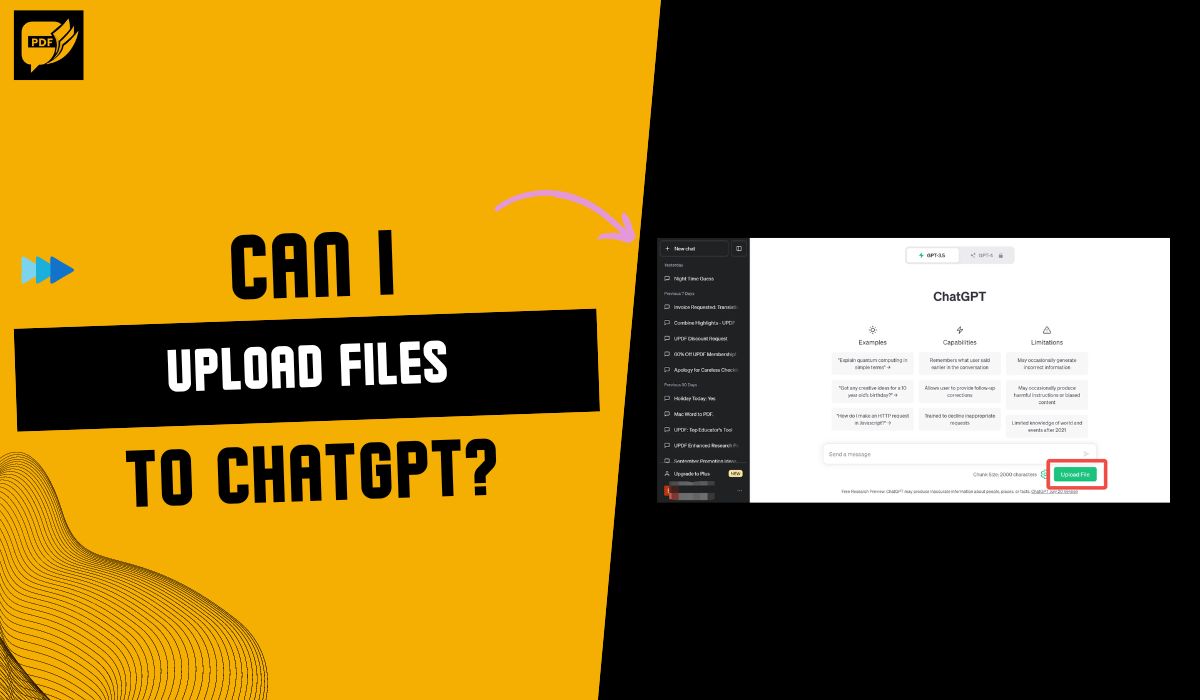
Yes, you can upload files to ChatGPT. You can upload files directly through the chat interface if you have a paid subscription (ChatGPT Plus). For free users, some workarounds involve third-party services (Chrome extensions) or copying and pasting the file's content. These workarounds can be less c…
Read story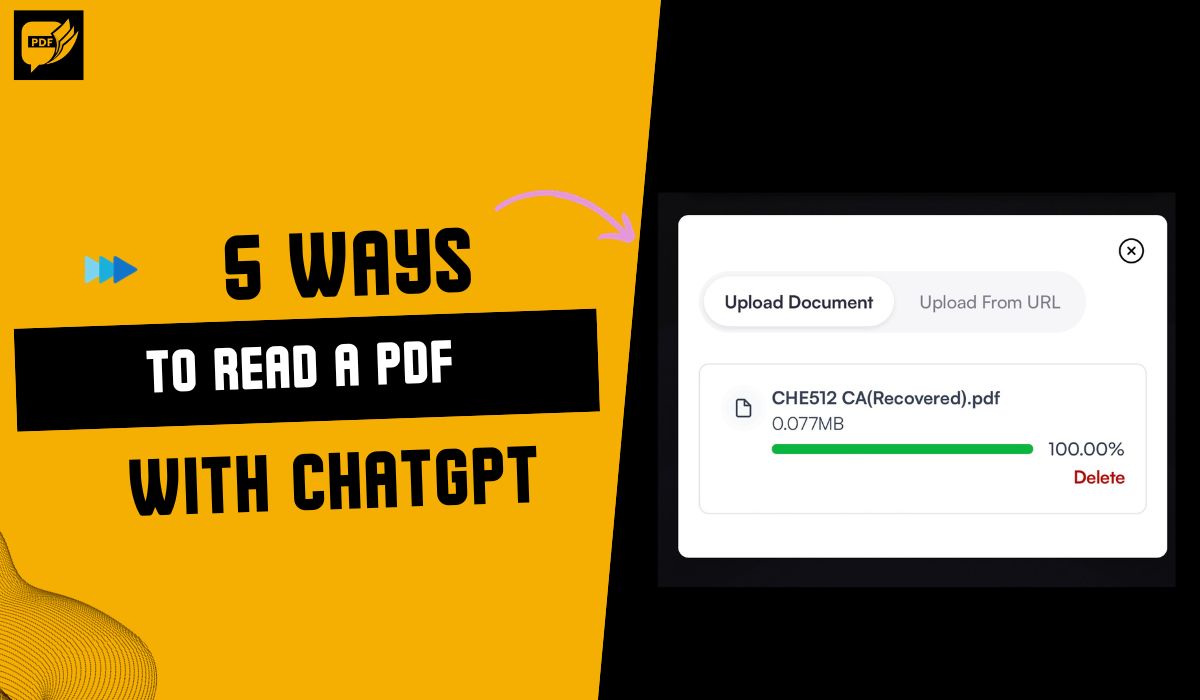
The best way to read a PDF with ChatGPT is to use the AskYourPDF ChatGPT plugin or Chrome extension. Upload your PDF document to the AI PDF chat app and ask it to read its content.
Read story
PDF files have become a universal tool for sharing documents across different professions, regardless of whether you are a student, content writer, busy business professional, legal practitioner, or anyone without any technical knowledge.This article explores the best PDF extensions for Chrome and…
Read story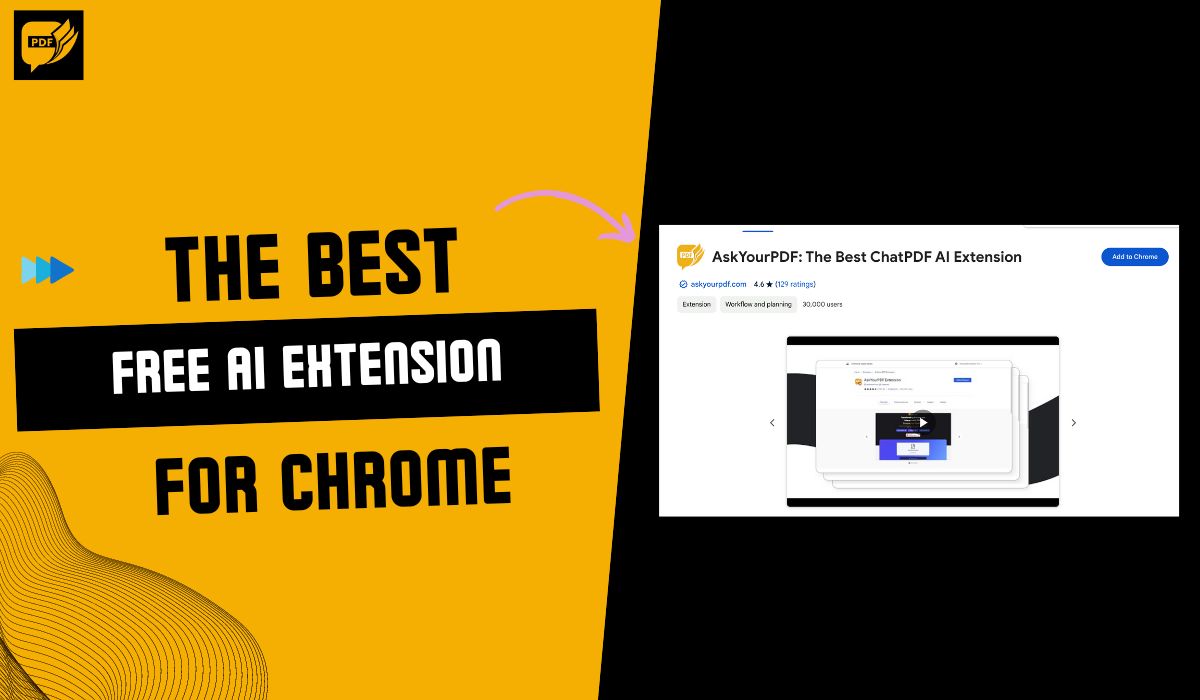
AskYourPDF is the best free AI extension for Chrome on the market for automating workflow and improving productivity when it comes to document management, regardless of whether you are a researcher, student, writer, or business professional.
Read story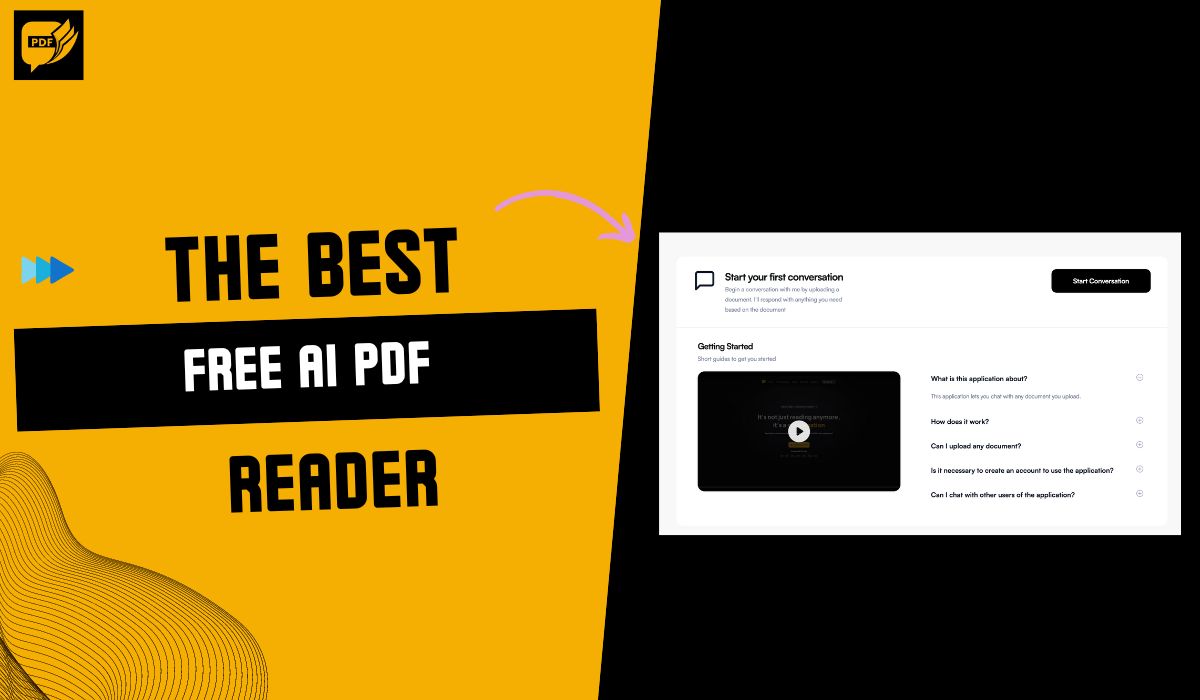
The best free AI PDF readers are AskYourPDF, ChatPDF, PDFGPT.IO, LightPDF, NaturalReader, and AlgoDocs. These free readers offer functionalities like summarizing, rewriting, explaining, and translating PDFs with the help of AI.
Read story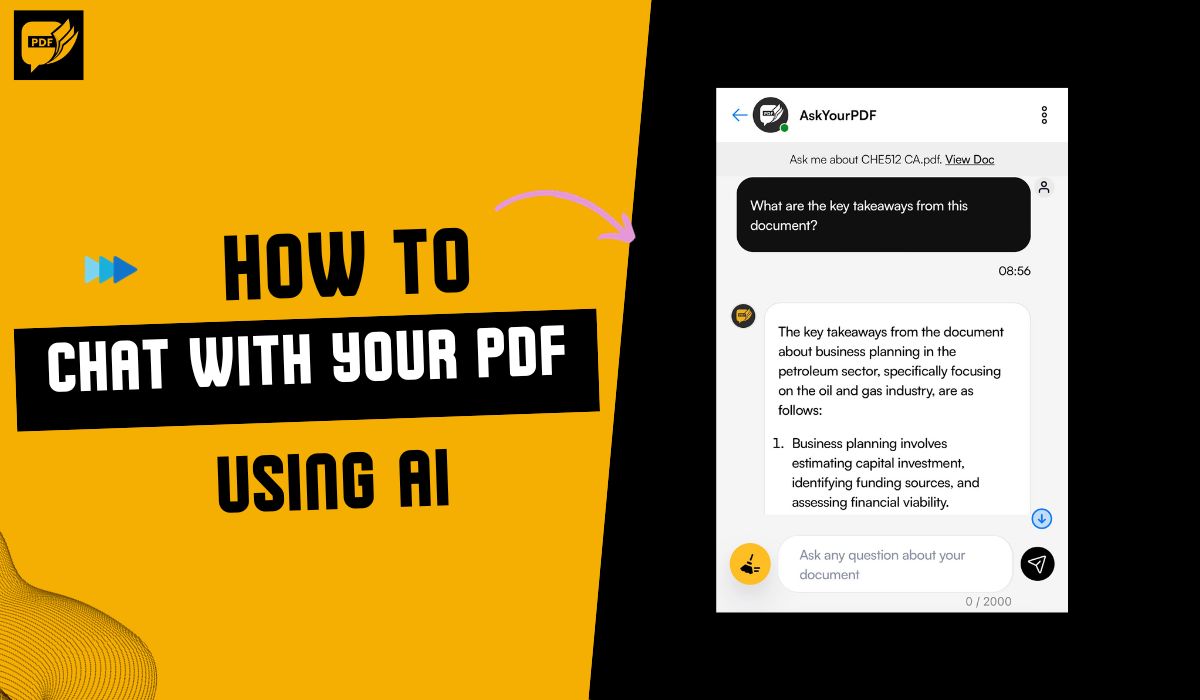
To chat with your PDF using AI, you will need AI tools like AskYourPDF. To do this, log on to askyourpdf.com, upload the document you want to retrieve information from, allow AskYourPDF to analyze the document, and then you will be moved to the chat.
Read story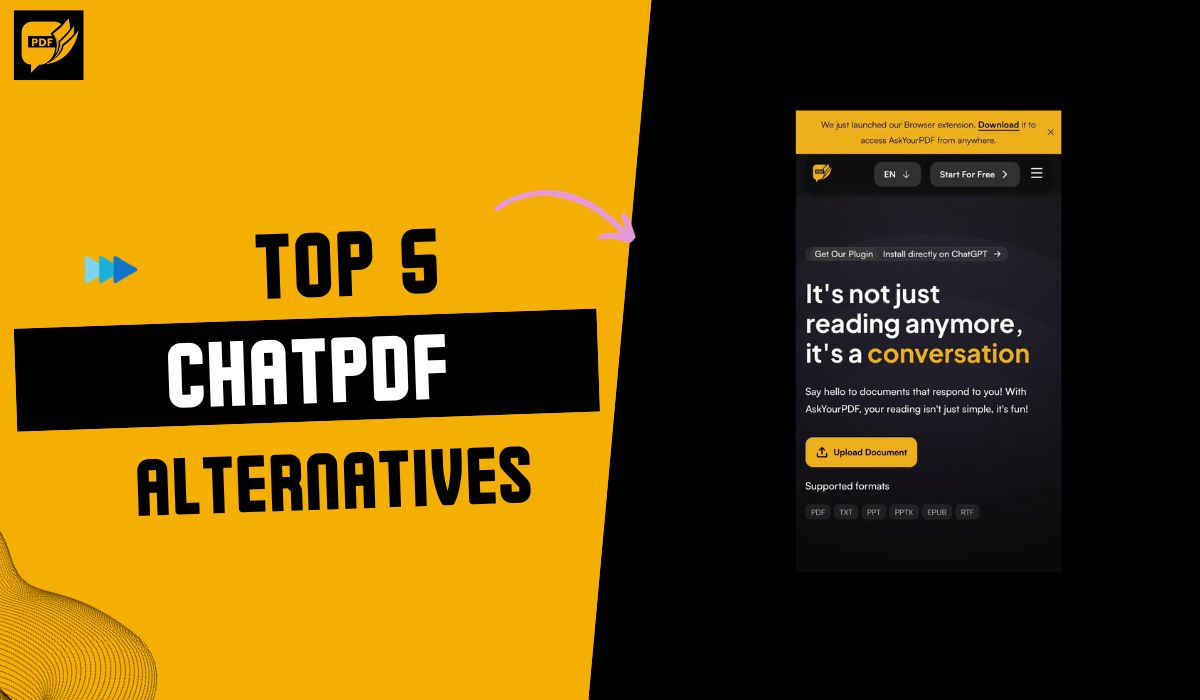
The top 5 ChatPDF alternatives are AskYourPDF, PDFgear, PDFGPT.IO, Sharky AI, and SciSummary. These ChatPDF alternatives provide you with a wide spectrum to pick from to meet the same needs ChatPDF satisfies.
Read story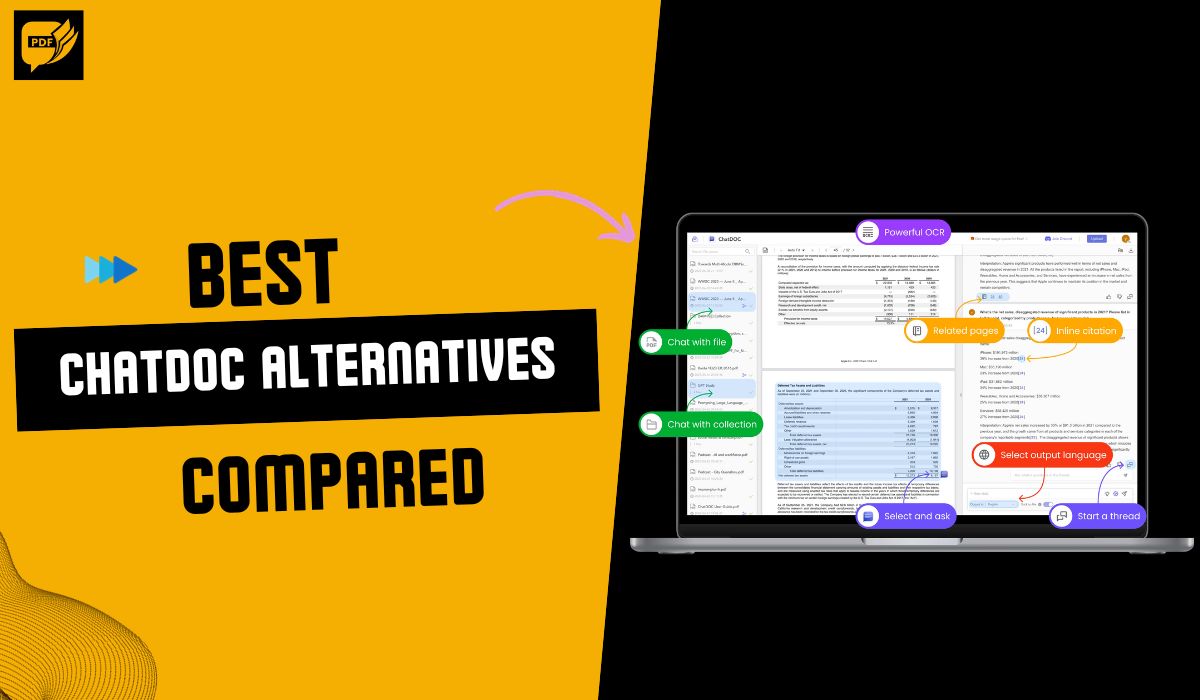
The top 10 ChatDoc alternatives are AskYourPDF, FileGPT, PDF.ai, ChatPDF, LightPDF, DropChat, My Ask AI, PandaChat.Ai, Zapper.AI, and ChatDox. The benefits of using a ChatDoc alternative include more features and functionality, better performance, affordable pricing, and a more user-friendly interf…
Read story
The best Docalysis alternatives are AskYourPDF, Mazey, DocLime, Hypertype, and Dataspot. These Docalysis alternatives can come in handy when you need a document management system that is integrated with other software you use, that can be used on mobile devices or is compliant with specific industr…
Read story
The 5 best PDF AI editors are AskYourPDF, Adobe Acrobat, UPDF, PDFelement, and Foxit. These editors have interactive features that enable you to edit, Summarize, or proofread your PDF quickly and effectively.
Read story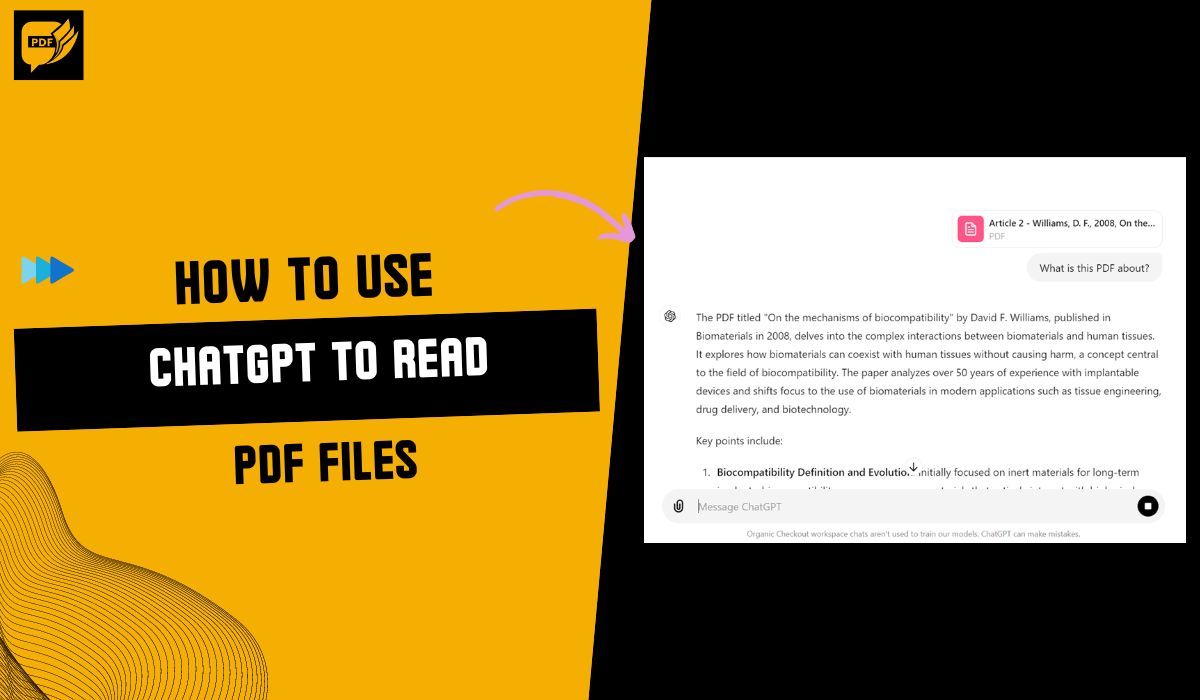
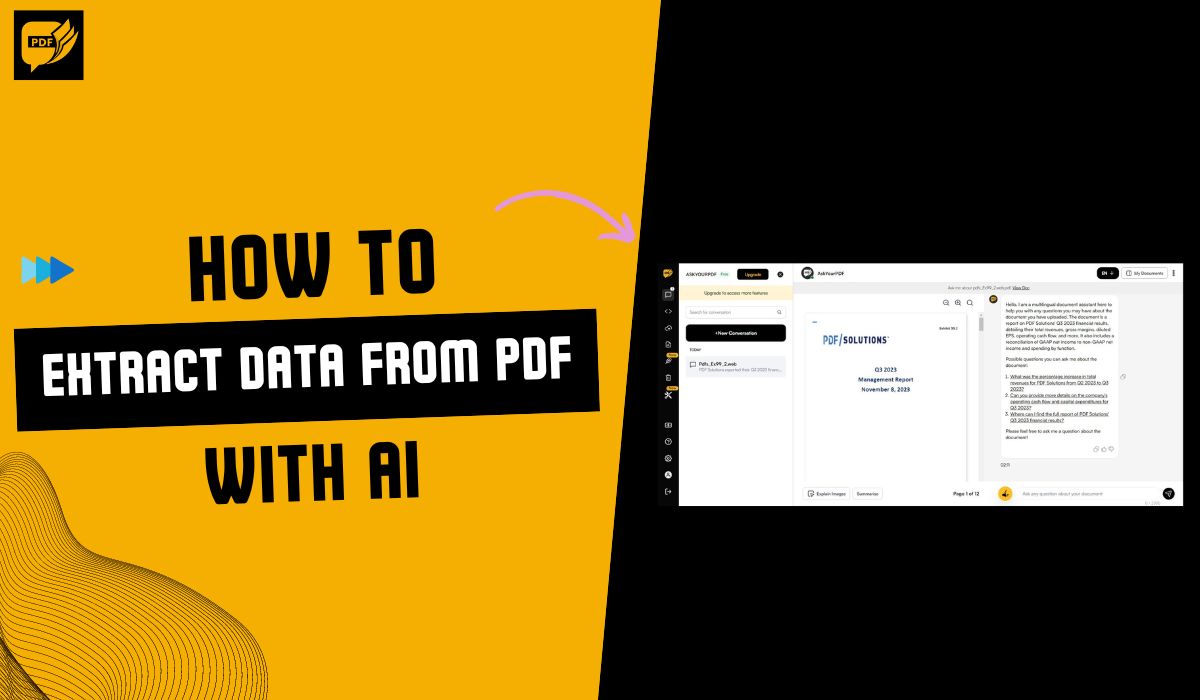
The best way to extract data from PDFs with AI for free is with AskYourPDF. Upload your PDF and prompt the tool to give you whatever information you need from the document.
Read story