AskYourPDF Research Assistant: Features, Benefits, and How to Get Started
Research faster with AI-analyse PDFs, access millions of papers, generate summaries, and create cited content all in one powerful workspace.
Research is rarely simple. Whether you are working on a thesis, reviewing contracts, or pulling insights from a stack of industry reports, the process usually involves reading through long documents, tracking down references, and trying to connect information spread across multiple sources. It takes time, and the more documents you work with, the harder it is to stay organized.
AskYourPDF Research Assistant is built to take that pressure off. It is an AI-powered tool that lets you interact with your documents through conversation, ask questions, generate summaries, pull citations, and access millions of published research papers, all from a single interface.
In this article, you will learn what the AskYourPDF Research Assistant is, what features set it apart, who benefits most from using it, how to get started, and what it costs.
What Is AskYourPDF Research Assistant?
AskYourPDF Research Assistant is an advanced version of the AskYourPDF platform, designed specifically for users who need more than basic document interaction. While the standard AskYourPDF experience lets you upload a PDF and chat with it, the Research Assistant goes several steps further.
Think of the difference like this: the standard tool is like having someone read a single document for you and answer questions about it. The Research Assistant is like having a dedicated research partner who can read all your documents, find published papers on your topic, generate properly cited content, and help you compare sources side by side.
It works directly inside ChatGPT as a custom GPT, so the interface is familiar and the experience is seamless. You open the Research Assistant, upload your files or search for published papers, and start working through your research using natural conversation.
Key Features of AskYourPDF Research Assistant
The Research Assistant is packed with capabilities that go beyond simple document Q&A. Here is what makes it stand out:
- Enhanced Accuracy: The Research Assistant uses improved AI algorithms to deliver more precise and reliable answers. When you ask a question about a document, it does not just pull a rough match. It analyzes context, identifies the most relevant sections, and provides accurate, grounded answers grounded in the actual content of your files.
- Unlimited PDF Analysis. There is no cap on the number of PDFs you can work with on paid plans. Whether you need to analyze five documents or fifty, the Research Assistant handles them without restriction.
- Access to 400M+ Research Papers. This is one of the most powerful features for academic users. The Research Assistant connects to databases like PubMed, Nature, and ArXiv, giving you access to over 400 million published papers. You can search for papers on any topic, get detailed summaries, and pull them directly into your research workflow without leaving the interface.
- Writing Assistance with Valid Citations: The Research Assistant can generate essays, articles, and written content based on your documents, complete with proper citations. This is especially valuable for students and academics who need referenced work but want to save time on the drafting process.
- AI Source Verification: If you are working with AI-generated text and need to verify that the claims are backed by real sources, the Research Assistant can automatically locate credible references for any piece of content. In a research environment where accuracy matters, this feature is essential.
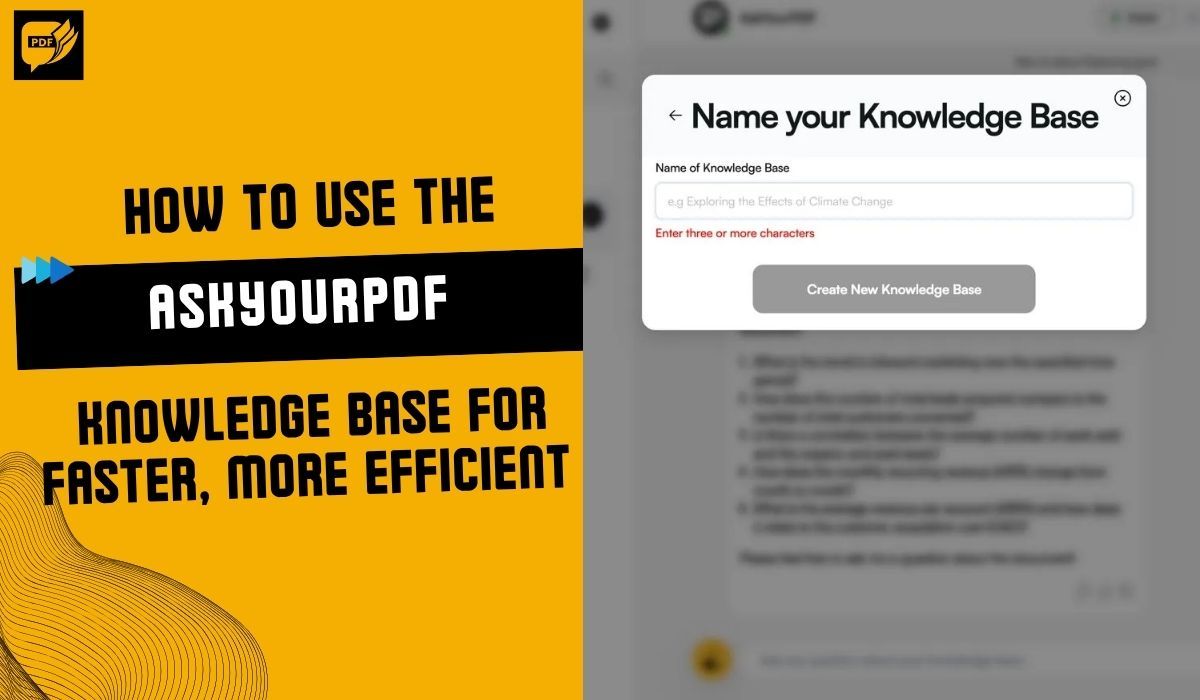
- Knowledge Base Creation: You can organize your documents into knowledge bases, which are collections of files that the AI treats as a single searchable library. This lets you ask questions across multiple documents at once and get consolidated answers drawn from all of them.
- PDF Comparison: Need to compare findings, clauses, or data across two or more documents? The Research Assistant lets you analyze multiple PDFs side by side, making it easier to spot differences, similarities, or gaps in your research.
Who Is AskYourPDF Research Assistant For?
The Research Assistant is designed for anyone who works with documents regularly and needs more than surface-level interaction. Here are the use cases where it delivers the most value:
Students and Academic Researchers
If you are writing a thesis, dissertation, or literature review, the Research Assistant turns weeks of reading into a much faster, more focused process. You can upload your source papers, search for additional published research, ask targeted questions across your entire collection, and generate properly cited drafts. Instead of skimming through dozens of papers hoping to find the right paragraph, you ask a question and get a direct answer with references.
Legal and Compliance Professionals
Contracts, regulatory filings, and case documents are dense and detail-heavy. The Research Assistant helps you navigate these files quickly by pointing out relevant clauses, summarizing sections, and comparing terms across multiple agreements. It reduces the risk of overlooking critical details such as deadlines, obligations, or compliance requirements.
Business Teams
For professionals working with market research, financial reports, or strategy documents, the Research Assistant makes it easier to extract actionable insights without getting lost in pages of data. You can ask questions like "What were the key revenue drivers mentioned across these reports?" and get a consolidated answer in seconds.
Writers and Content Professionals
If your work involves research-heavy writing, the Research Assistant helps you gather information, verify sources, and produce referenced content faster than doing it manually. It is particularly useful for long-form content that requires accuracy and proper attribution.
How to Get Started with AskYourPDF Research Assistant
Getting started is straightforward. There are two main ways to access the Research Assistant:
Through ChatGPT (GPT Store)
- Open ChatGPT and make sure you have an active ChatGPT Plus subscription, as custom GPTs require it.
- Search for "AskYourPDF Research Assistant" in the GPT Store, or go directly to the Research Assistant page within ChatGPT.
- Open the Research Assistant. Its capabilities are listed on the welcome screen, including document analysis, access to research papers, citation generation, and knowledge base creation.
- Choose how you want to work: upload your own PDF if the document is unique to you, or search for a published paper if the file is already available online.
- Start interacting. Ask questions, request summaries, generate citations, or build a knowledge base. The assistant responds based on the content of your files.
Through the AskYourPDF Website
- Go to AskYourPDF and log in to your account.
- Upload your documents from the dashboard.
- Use the chat interface to interact with your files, build knowledge bases, or access any of the Research Assistant features included in your plan.
Both paths give you access to the same core features. The ChatGPT route is ideal if you are already working inside the ChatGPT interface and want everything in one place. The web route is better if you prefer AskYourPDF's native dashboard for document management and organization.
AskYourPDF Research Assistant Pricing
The Research Assistant is part of the AskYourPDF platform, so its features are included in the standard pricing plans. Here is what each tier offers:
Free Plan at $0/month. Basic access with limited usage: up to 100 pages per document, 50 questions per day, and one document upload per day. Good for trying out the tool or handling small files.
Premium Plan at $11.99/month (billed yearly). A significant step up with up to 2,500 pages per document, 1,200 questions per day, 50 documents per day, and access to features like knowledge bases and OCR support.
Pro Plan at $14.99/month (billed yearly). Designed for heavy users. It supports up to 6,000 pages per document, 150 documents per day, and includes priority support and extended replies. This is the best plan for researchers and professionals who work with large or complex document sets daily.
Enterprise Plan with custom pricing. Tailored for teams and organizations with high-volume needs. Contact the AskYourPDF team for a quote.
All paid plans include annual billing discounts, and the Research Assistant features, including knowledge bases, citation generation, and access to published research papers, are available on Premium and above.
Final Thoughts
The AskYourPDF Research Assistant is not just a PDF reader. It is a comprehensive research tool that helps you find information, verify sources, generate citations, and work across multiple documents at once. Whether you are a student racing to finish a literature review, a lawyer reviewing a stack of contracts, or a business professional pulling insights from quarterly reports, it gives you a faster, more reliable way to get the answers you need.
If you have been using AskYourPDF's standard features and want more depth, more control, and more research capability, the Research Assistant is the natural next step.
Try AskYourPDF Research Assistant today and see how it transforms your document workflow.
Frequently Asked Questions
Is the Research Assistant a separate product from AskYourPDF? No. The Research Assistant is part of the AskYourPDF platform. Its features are included in the Premium, Pro, and Enterprise plans. You do not need to purchase a separate subscription.
Do I need ChatGPT Plus to use the Research Assistant? You need ChatGPT Plus if you want to access the Research Assistant through the ChatGPT GPT Store. However, you can also use the Research Assistant features directly through the AskYourPDF website without a ChatGPT subscription.
What is the difference between AskYourPDF and the Research Assistant? The standard AskYourPDF experience focuses on chatting with individual documents. The Research Assistant adds advanced capabilities such as access to 400M+ research papers, citation generation, AI-powered source verification, knowledge base creation, and PDF comparison. It is designed for users who need deeper, more structured research support.
Can I use the Research Assistant for non-academic work? Absolutely. While access to research papers is especially useful for academics, the document analysis, knowledge base, and writing features work equally well for legal review, business analysis, content creation, and any other document-heavy workflow.
What types of documents does the Research Assistant support?
It supports PDF, TXT, PPT, PPTX, EPUB, and RTF file formats. You can upload any of these and interact with them through the chat interface.